
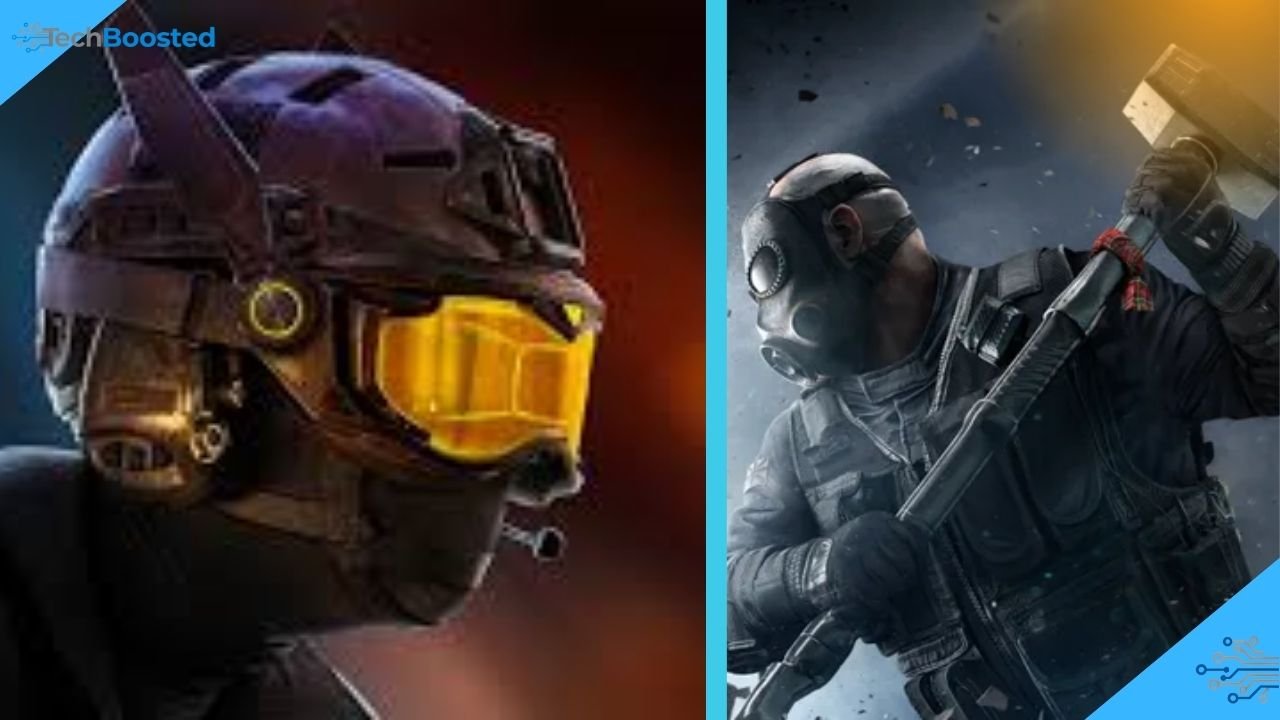
Crossplay has become one of the most requested features in modern multiplayer gaming, and it plays an important role in expanding online communities. In Tom Clancy’s Rainbow Six Siege, crossplay allows players from different platforms to connect and compete in the same multiplayer environment. This feature removes the traditional barrier between consoles and encourages a larger, more active player base. As gaming ecosystems grow, cross-platform functionality has become essential for maintaining a strong online community.
For competitive titles like Rainbow Six Siege, crossplay also improves matchmaking by reducing waiting times and expanding the pool of available players. It allows friends who own different consoles to play together without needing the same system. Because the game focuses heavily on teamwork and tactical communication, crossplay also enhances social interaction and strategic gameplay. Understanding how crossplay works helps players enjoy the game more efficiently.
What Is Crossplay in Rainbow Six Siege?
Crossplay refers to the ability for players using different gaming platforms to participate in the same online matches. In Tom Clancy’s Rainbow Six Siege, crossplay connects console players across supported systems, allowing them to team up or compete in multiplayer matches. Instead of separating players by device, crossplay unifies them into a shared matchmaking environment.
This feature significantly improves accessibility for gamers who own different consoles but still want to play together. Crossplay also ensures that multiplayer lobbies remain active even years after the game’s original release. With a larger player pool, matchmaking becomes faster and more balanced. Players benefit from diverse playstyles and strategies, making every match feel dynamic and competitive.
History of Crossplay in Rainbow Six Siege
When Tom Clancy’s Rainbow Six Siege first launched, crossplay was not part of the multiplayer experience. Players could only compete with others using the same platform. As the gaming industry evolved and cross-platform technology improved, developers started exploring ways to connect different systems. This shift was influenced by growing community demand and the success of crossplay in other multiplayer titles.
Eventually, developer Ubisoft introduced crossplay features to improve accessibility and strengthen the game’s online community. Updates and seasonal patches gradually expanded platform compatibility, enabling console players to interact more freely. These improvements demonstrated the developer’s commitment to modernizing the game and keeping it relevant in the competitive multiplayer landscape.
Platforms That Support Rainbow Six Siege Crossplay
Crossplay support in Tom Clancy’s Rainbow Six Siege mainly focuses on connecting console ecosystems. Players using Sony PlayStation systems and Microsoft Xbox consoles can join matches together through the crossplay feature. This integration significantly expands the multiplayer community and makes matchmaking faster.
PC players, however, generally remain within their own matchmaking environment to maintain competitive balance. The difference in control methods between keyboard-and-mouse and controllers could create unfair advantages in mixed lobbies. By separating PC players while connecting consoles, developers maintain fair gameplay while still providing the benefits of cross-platform interaction for console gamers.
How to Enable Rainbow Six Siege Crossplay

Enabling crossplay in Tom Clancy’s Rainbow Six Siege is a straightforward process designed to make multiplayer access simple. Players can activate the feature directly through the game’s settings menu. Within the matchmaking or online options, users will find crossplay settings that allow them to enable or disable cross-platform interaction depending on their preferences.
Once crossplay is enabled, the game automatically includes players from supported platforms during matchmaking. This means users can quickly join matches without needing additional configuration. Enabling crossplay also allows players to connect with friends from other platforms, making cooperative gameplay easier. The process takes only a few steps and significantly enhances the overall multiplayer experience.
Step-by-Step Setup Guide for Crossplay
Setting up crossplay in Tom Clancy’s Rainbow Six Siege involves linking the game to an account from Ubisoft. This account acts as a universal connection between platforms, allowing players to add friends and manage multiplayer features. Once the account is connected, players can access crossplay functionality across supported systems.
After linking the account, users should navigate to the game’s settings menu and confirm that crossplay is enabled. They can then add friends from other consoles using the Ubisoft friend system. Once the invitations are accepted, players can create squads and join matches together regardless of their platform. This simple setup ensures smooth cross-platform gameplay.
Crossplay Between PC, Xbox, and PlayStation Explained
Crossplay in Tom Clancy’s Rainbow Six Siege currently works differently depending on the platform. Console crossplay allows players from PlayStation and Xbox to compete together in multiplayer matches. This connection ensures that console players share a unified matchmaking system, creating a larger and more active community.
PC matchmaking remains separate to maintain competitive fairness. Keyboard and mouse controls can offer advantages in reaction speed and precision compared to console controllers. By keeping PC players within their own ecosystem, the game protects balanced competition. This design decision ensures that crossplay benefits the community without disrupting gameplay fairness.
Benefits of Rainbow Six Siege Crossplay for Players
One of the biggest advantages of crossplay in Tom Clancy’s Rainbow Six Siege is the expansion of the multiplayer community. By connecting console ecosystems, crossplay increases the number of available players and reduces matchmaking times. Gamers spend less time waiting in lobbies and more time enjoying tactical gameplay.
Crossplay also strengthens social connections within the gaming community. Friends who own different consoles can form squads and compete together without needing the same platform. This feature promotes teamwork and communication, which are essential elements of Rainbow Six Siege. As a result, crossplay improves both the social and competitive aspects of the game.
Gameplay Experience When Using Crossplay
The gameplay experience in Tom Clancy’s Rainbow Six Siege remains largely consistent when crossplay is enabled. Players still rely on tactical planning, communication, and map awareness to achieve victory. Crossplay simply expands the pool of competitors, bringing a variety of playstyles into each match.
Because console players share matchmaking, games often feel more dynamic and unpredictable. Different players approach strategies differently, creating diverse tactical scenarios. Teams must adapt quickly, coordinate their operators, and respond to unexpected threats. This variation keeps matches fresh and engaging for both new and experienced players.
Crossplay Settings and Customization Options
The crossplay feature in Tom Clancy’s Rainbow Six Siege includes customizable settings that allow players to control their multiplayer experience. Users can enable or disable crossplay depending on their preference, giving them flexibility over matchmaking conditions.
Some players prefer disabling crossplay to compete only with users from the same platform, while others enable it to enjoy faster matchmaking and larger lobbies. These options allow players to tailor their experience according to their comfort level. By providing flexible settings, the developers ensure that crossplay remains optional while still offering its benefits.
Common Issues With Rainbow Six Siege Crossplay
Despite its advantages, crossplay in Tom Clancy’s Rainbow Six Siege may occasionally present technical issues. Players sometimes experience matchmaking errors, connection problems, or difficulty inviting friends from other platforms. These problems usually occur due to account linking issues or server connectivity interruptions.
Most of these issues can be resolved by checking account settings, restarting the game, or updating the latest patches. Maintaining a stable internet connection also improves crossplay performance. While technical problems may occur occasionally, developers frequently release updates to ensure smoother cross-platform gameplay.
How to Fix Crossplay Not Working in Rainbow Six Siege
If crossplay stops working in Tom Clancy’s Rainbow Six Siege, players should first verify that their Ubisoft account is properly linked. Without this connection, cross-platform invitations and matchmaking cannot function correctly.
Players should also ensure that crossplay settings remain enabled in the game menu. Updating the game to the latest version and restarting the system can resolve many connection issues. If problems continue, checking server status or reinstalling the game may help restore functionality.
Tips for Playing Rainbow Six Siege With Crossplay Enabled
Success in Tom Clancy’s Rainbow Six Siege depends heavily on teamwork and communication. When crossplay is enabled, players should prioritize coordination with teammates and use voice chat to share tactical information. Clear communication improves reaction time and team efficiency.
Players should also focus on mastering operators, map knowledge, and defensive strategies. Crossplay introduces a wider variety of opponents, so adaptability becomes even more important. By staying flexible and learning new tactics, players can maintain strong performance in cross-platform matches.
Future Updates and Improvements for Rainbow Six Siege Crossplay
Developer Ubisoft continues to support Tom Clancy’s Rainbow Six Siege with regular updates and seasonal content. Crossplay improvements remain part of the long-term development roadmap as the game evolves.
Future updates may introduce expanded compatibility, better matchmaking algorithms, and improved cross-platform communication tools. As technology advances, crossplay could become even more seamless. These updates aim to keep the multiplayer experience fresh while strengthening the global player community.
Conclusion
Crossplay has significantly improved the multiplayer experience in Tom Clancy’s Rainbow Six Siege. By connecting console players across platforms, it expands the player base, reduces matchmaking times, and allows friends to enjoy the game together regardless of their hardware.
As developers continue supporting the game with updates and improvements, crossplay will likely become even more refined. For both new and experienced players, understanding how crossplay works can enhance gameplay and strengthen teamwork. This feature represents an important step toward a more connected and accessible gaming community.
Frequently Asked Question
Is Rainbow Six Siege crossplay available on all platforms?
Crossplay in Tom Clancy’s Rainbow Six Siege mainly connects PlayStation and Xbox players, while PC matchmaking remains separate.
How do I enable Rainbow Six Siege crossplay?
You can enable crossplay in the game settings under matchmaking or online options.
Can PC players play with console players in Rainbow Six Siege crossplay?
No, PC players currently play in separate matchmaking environments to maintain gameplay balance.
Do I need a Ubisoft account for Rainbow Six Siege crossplay?
Yes, a Ubisoft account is required to link friends and enable cross-platform features.
Can I disable crossplay in Rainbow Six Siege?
Yes, players can disable crossplay anytime through the settings menu.
Does Rainbow Six Siege crossplay improve matchmaking speed?
Yes, crossplay increases the player pool, which usually results in faster matchmaking.
Stay updated with TECHBOOSTED for more Technologies news.